Stock & inventory
Stock levels and adjustments.
Replaces a stock take once a year and a glovebox full of receipts. Service-due assets become booked work, and stock stops walking.
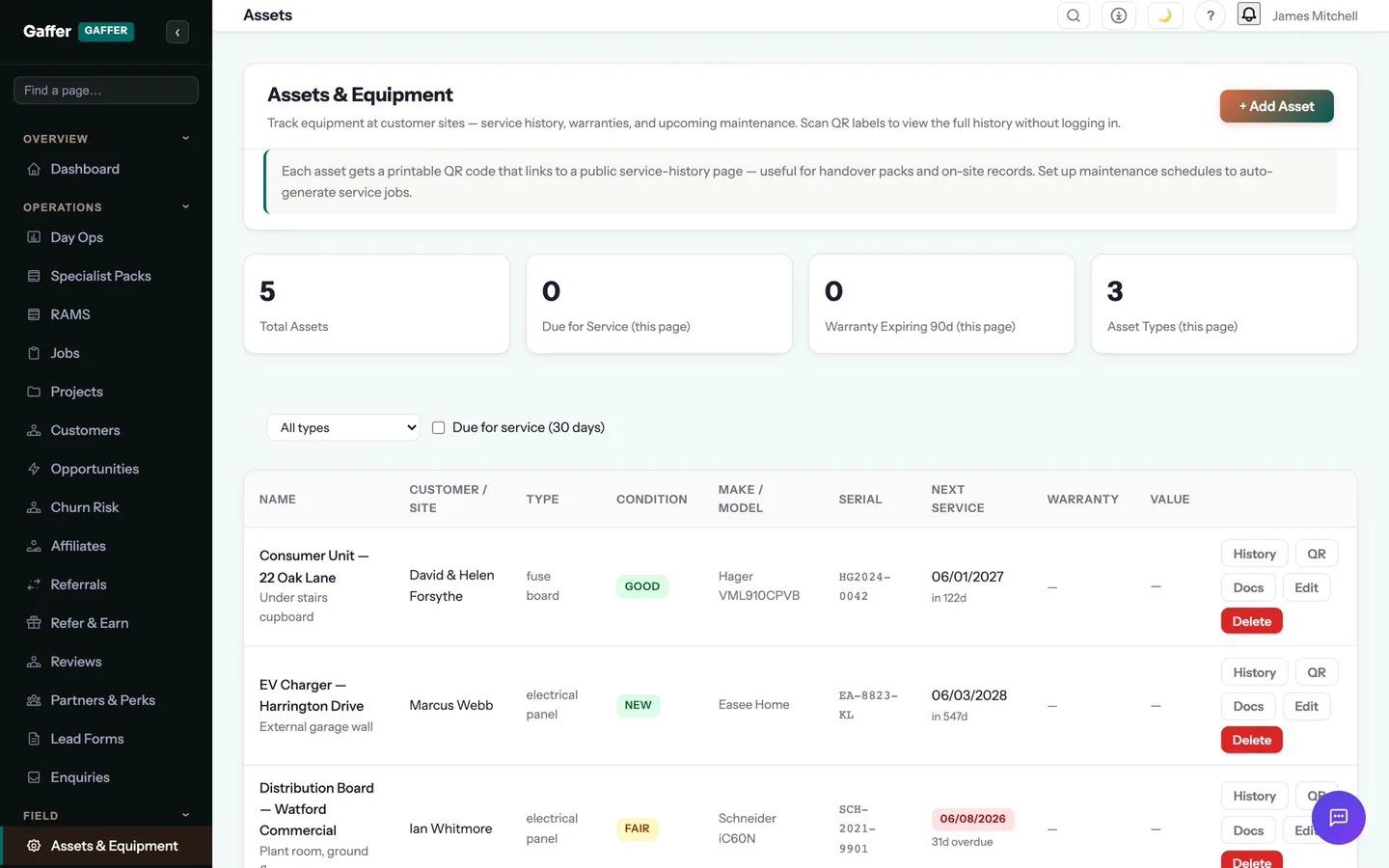
Know what you own, what you have on the van, and what needs a service.
An asset register with QR codes and maintenance schedules, stock levels with movements, and fleet records with MOT and service dates that flag before they lapse.
Service-due assets become booked work automatically; stock stops walking.
- Stock levels per item with locations, so the van and the unit are counted separately
- Movements recorded when materials are used on a job
- Low-stock warnings before you find out on site
- Materials used on a job cost back to that job automatically
Step 04 of the job: on site
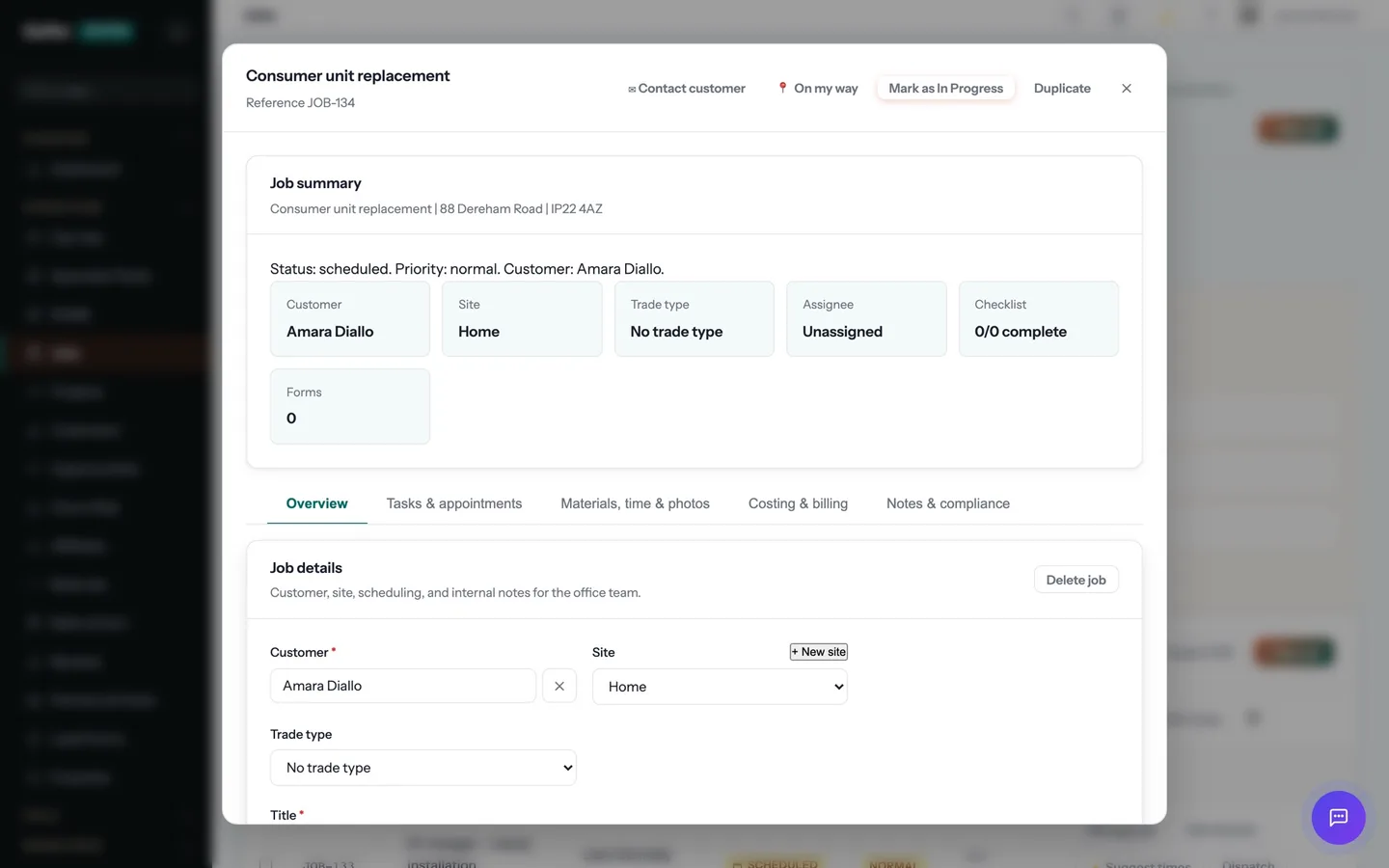
The engineer taps "On my way" and the customer gets a text with an arrival window. On site: clock in, photos, the certificate for the job — EICR, Gas Safety, whatever the trade needs — signed on the device. No signal? It syncs later.
Stock & inventory is one part of that step. The rest of the job — quoting, scheduling, certificates, invoicing and payment — runs in the same system, on the same record. See the whole job →
What does stock & inventory replace?
For most trade businesses, a stock take once a year and a glovebox full of receipts. Service-due assets become booked work, and stock stops walking.
Does stock & inventory work on a phone, and offline?
Yes. The mobile app is offline-first: records created on site are stored on the device and synced automatically, in order, when signal returns. Lofts, plant rooms and rural sites were the design brief.
Which plan is it on?
Every paid plan. Stock & inventory is included for unlimited users at no extra cost — the monthly, annual and lifetime plans differ only in how you pay.
How long does it take to start using?
Minutes. Start a 14-day free trial with no card, pick your trades at sign-up, and stock & inventory is switched on with your trade's templates already in place.
The rest of Assets, Stock & Fleet
All 11 →- Asset QR codes
- Asset register
- Carbon footprint
- Delivery notes
- Fleet & vehicles
- Hire periods
- Maintenance schedules
- Service reminders
- Stock movements
- Vehicle service records
Put stock & inventory to work.
Full platform, 14 days free, no card needed. Set up in an afternoon, import your customers in a few clicks, and send your first quote today.
Founding members: first 100 businesses get 50% off every paid plan, for as long as they stay subscribed.