One job. One record.
Every hand-off automated.
Here is exactly what happens to a job in Gaffer, from the moment a customer fills in a form to the moment the money lands and the books are updated — and what each person in the business sees along the way.
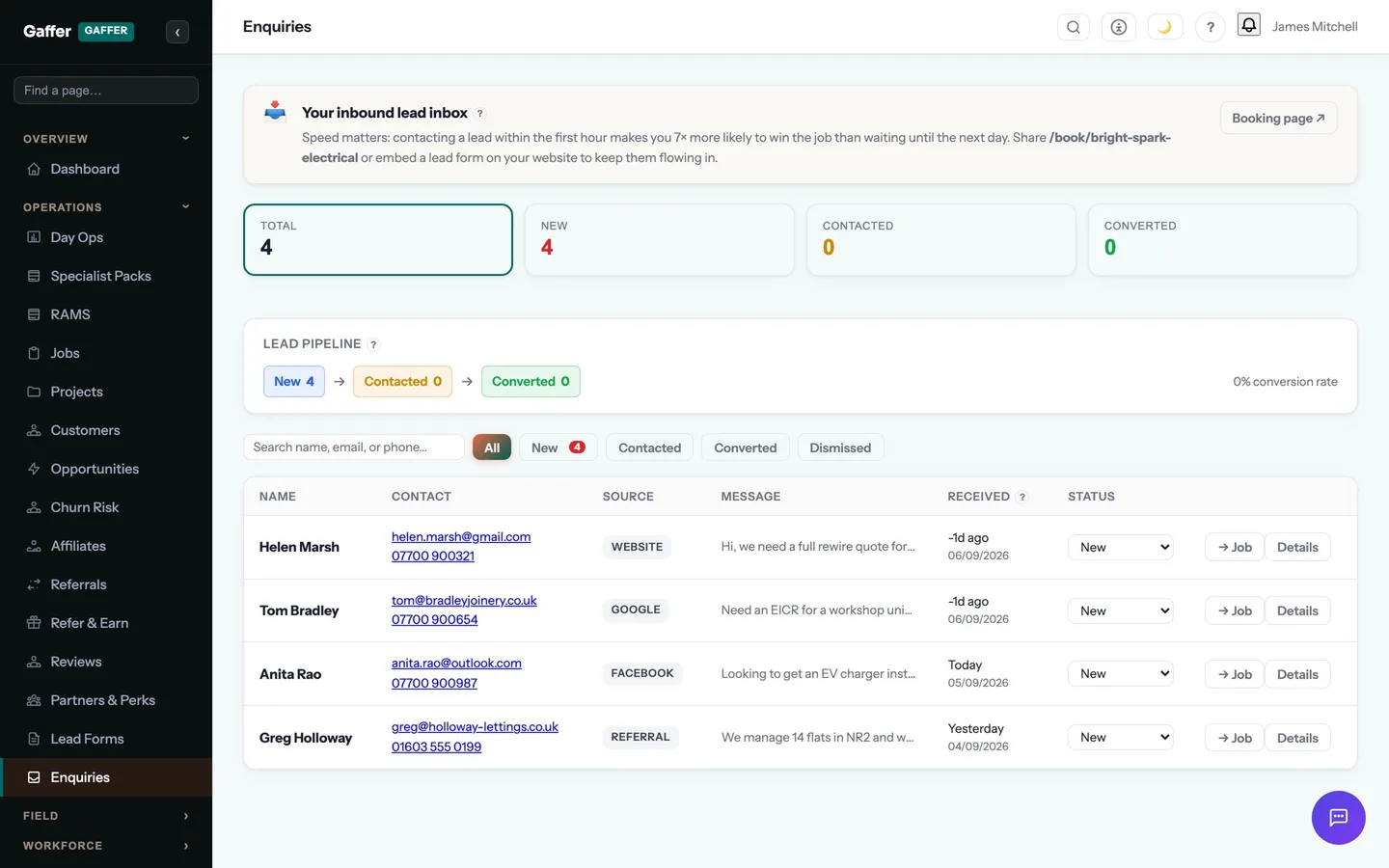
The enquiry lands itself
A customer fills in your booking form at 9pm. Gaffer creates the lead, texts them back within seconds, tells you where the enquiry came from, and puts it in your pipeline before you have even seen it.
- Website form, booking widget, phone or email — every channel lands in one pipeline
- Auto-reply by SMS and email so nobody feels ignored
- UTM tracking shows which advert actually paid for itself
Priced from a template, not a blank page
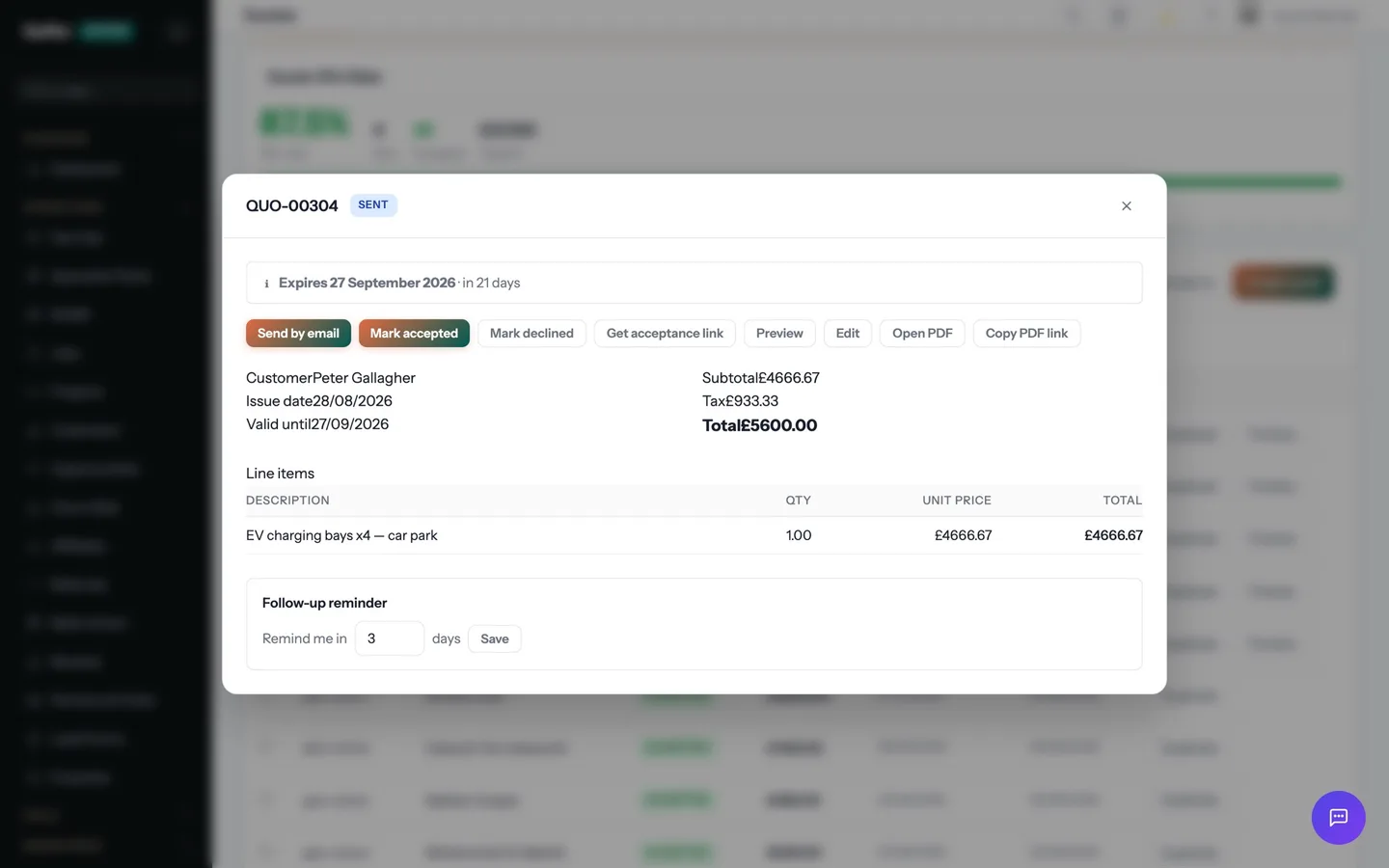
Pick one of 218 priced quote templates for your trade or pull lines from your own price book. Offer good-better-best options. Send it from the van, and the customer signs on their phone.
- Labour — 1 day £320.00
- Materials £184.50
- Quote total inc. VAT £605.40
They accept online. You take the deposit.
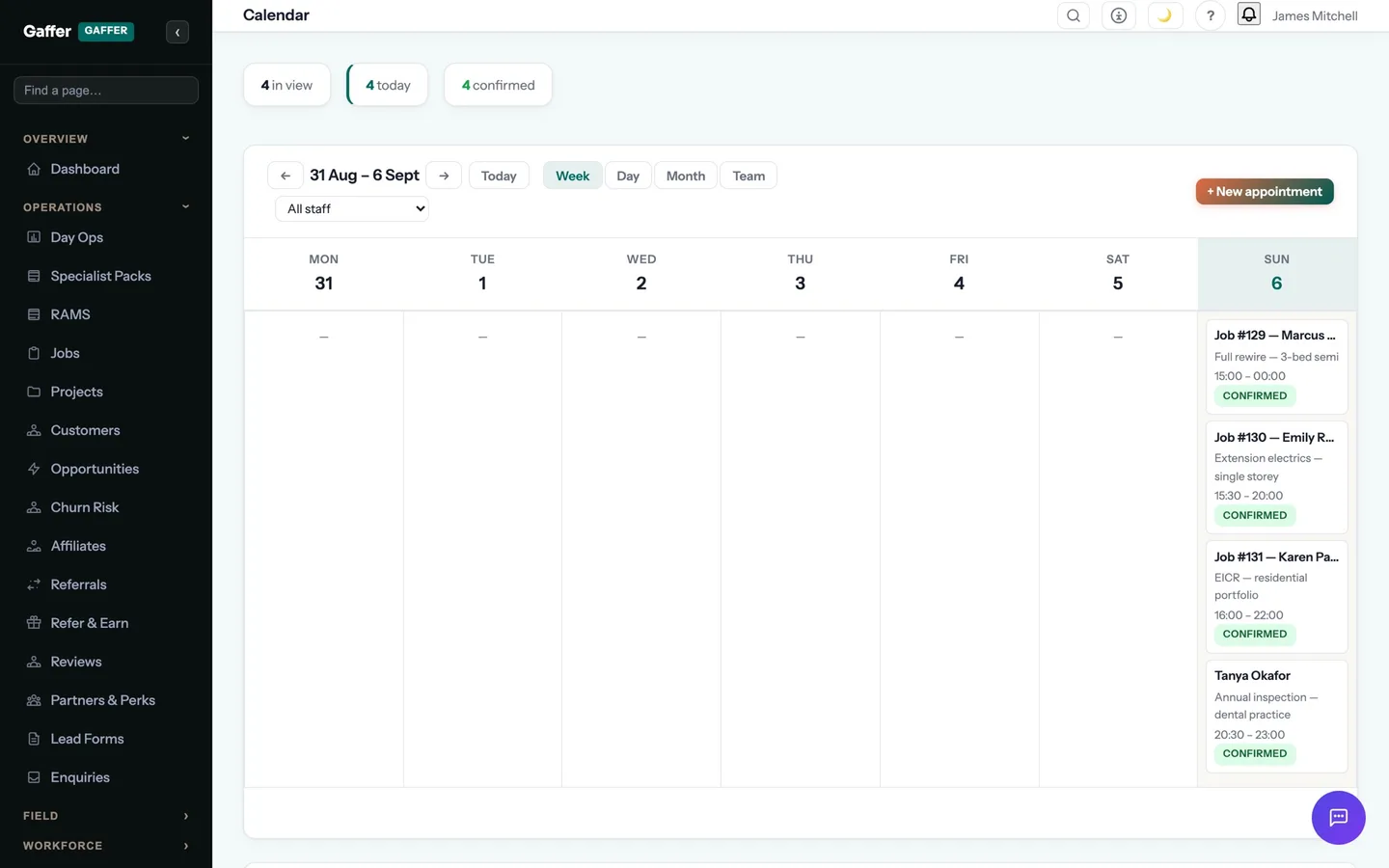
One tap on the quote link accepts it with a digital signature and pays the deposit by card or Apple Pay. The quote becomes a job, the job goes on the calendar, and the engineer is notified.
- Deposit taken by card £181.62
- Job created and scheduled automatically
- Confirmation text sent to the customer
The paperwork happens on site
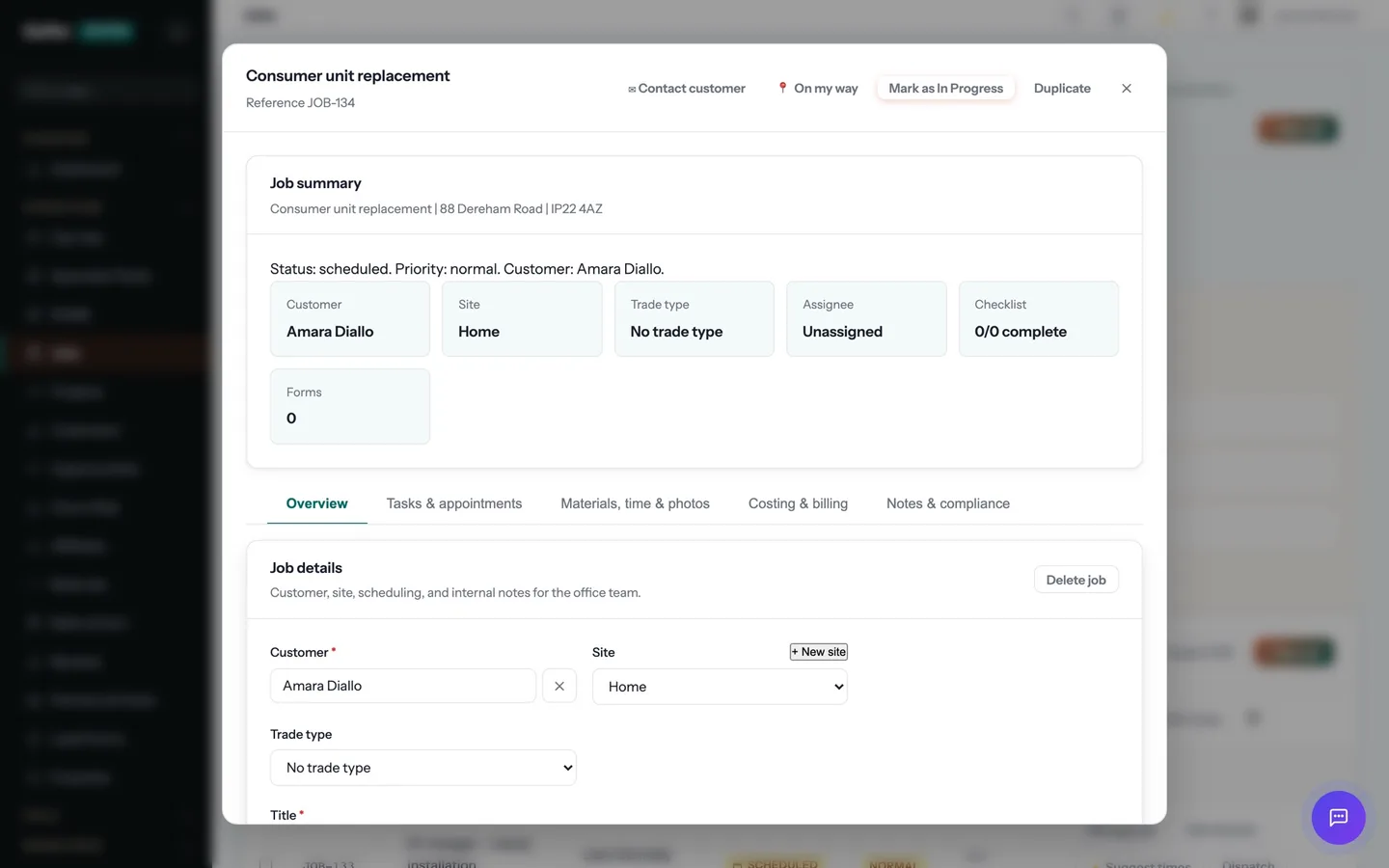
The engineer taps "On my way" and the customer gets a text with an arrival window. On site: clock in, photos, the certificate for the job — EICR, Gas Safety, whatever the trade needs — signed on the device. No signal? It syncs later.
- On-my-way SMS with an arrival window
- Certificate completed and signed on the phone
- Before-and-after photos attached to the job
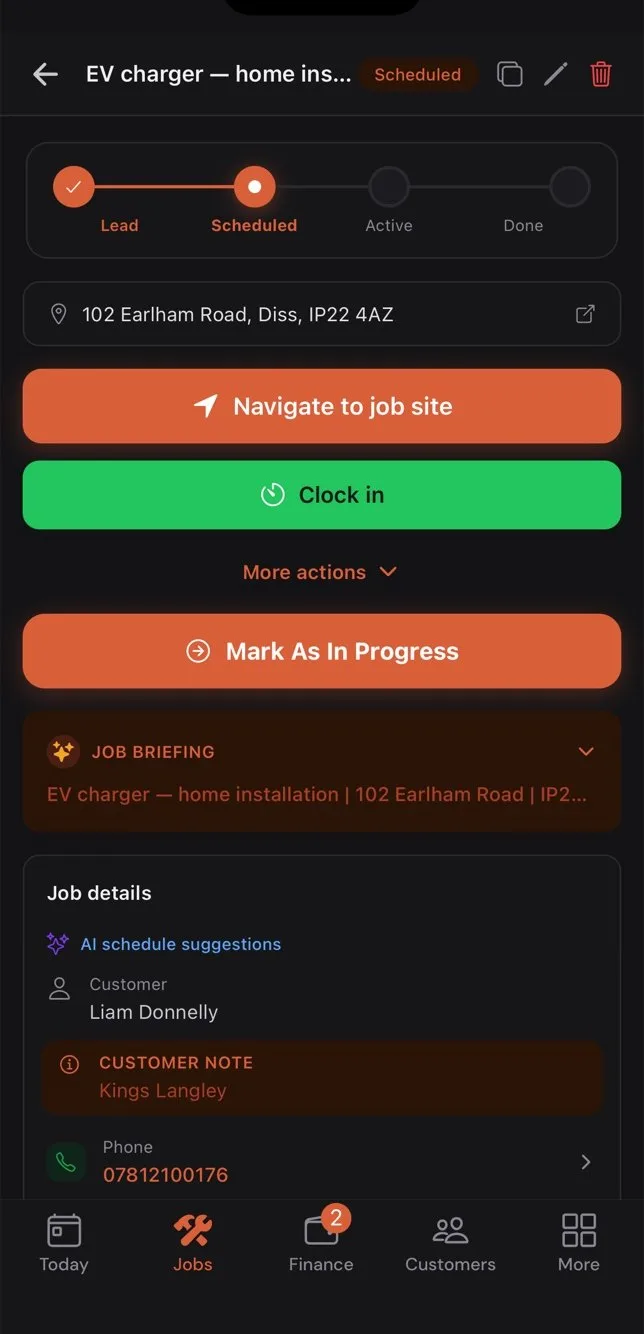
The invoice sends itself
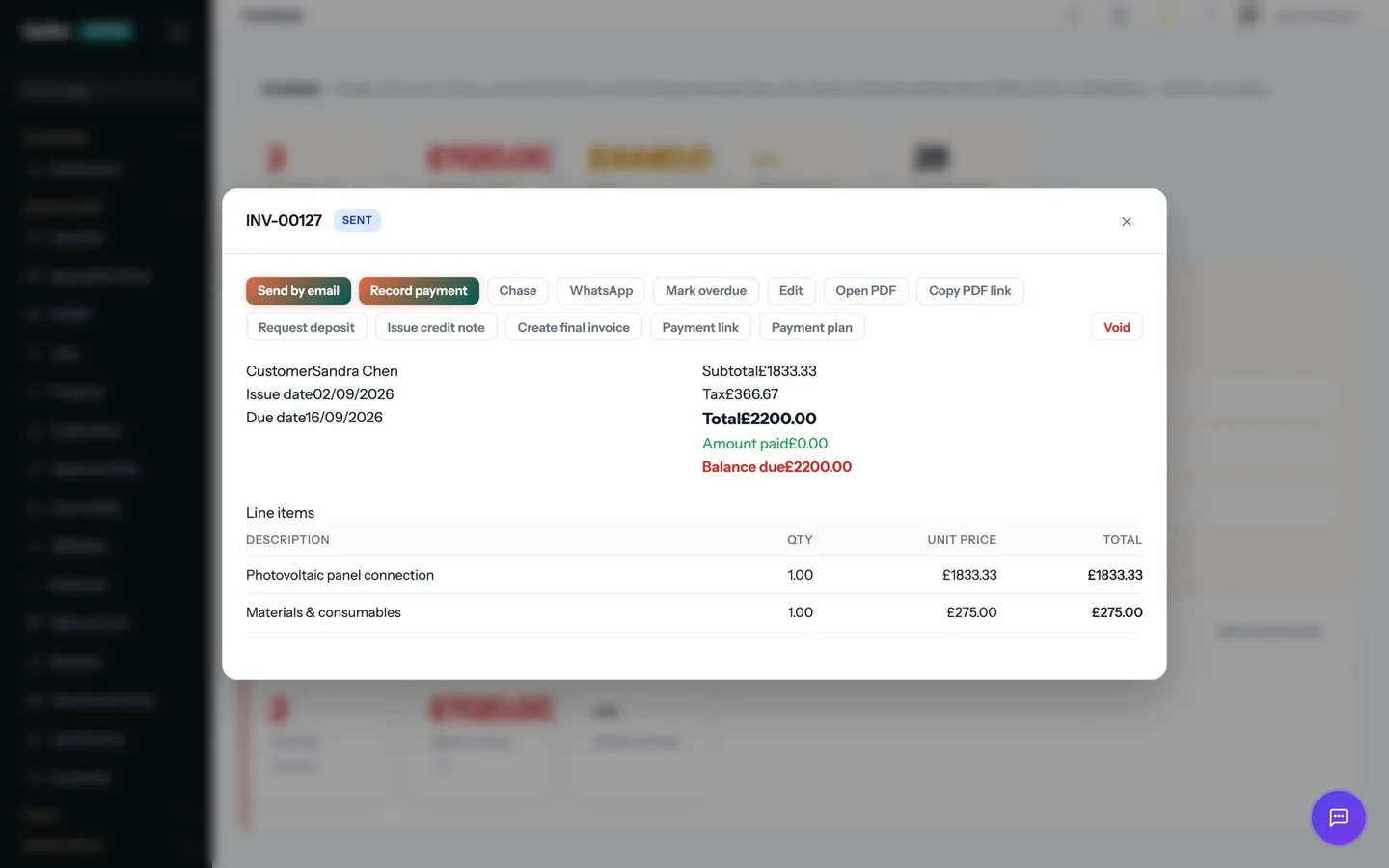
Marking the job complete raises the invoice from the accepted quote, nets off the deposit, attaches the certificate and sends it with a Pay Now link — before the van has left the drive.
- Invoice #1042 raised £605.40
- Less deposit paid −£181.62
- Balance due £423.78
Paid, reconciled, reviewed, rebooked
The customer pays by card, Apple Pay or Direct Debit. Xero or QuickBooks are updated. A review request goes out. And eleven months later, the annual service reminder books the next job.
- Payment received £423.78
- Synced to Xero — nothing to type
- Review requested; renewal scheduled
Four people. One system. Nobody chasing anybody.
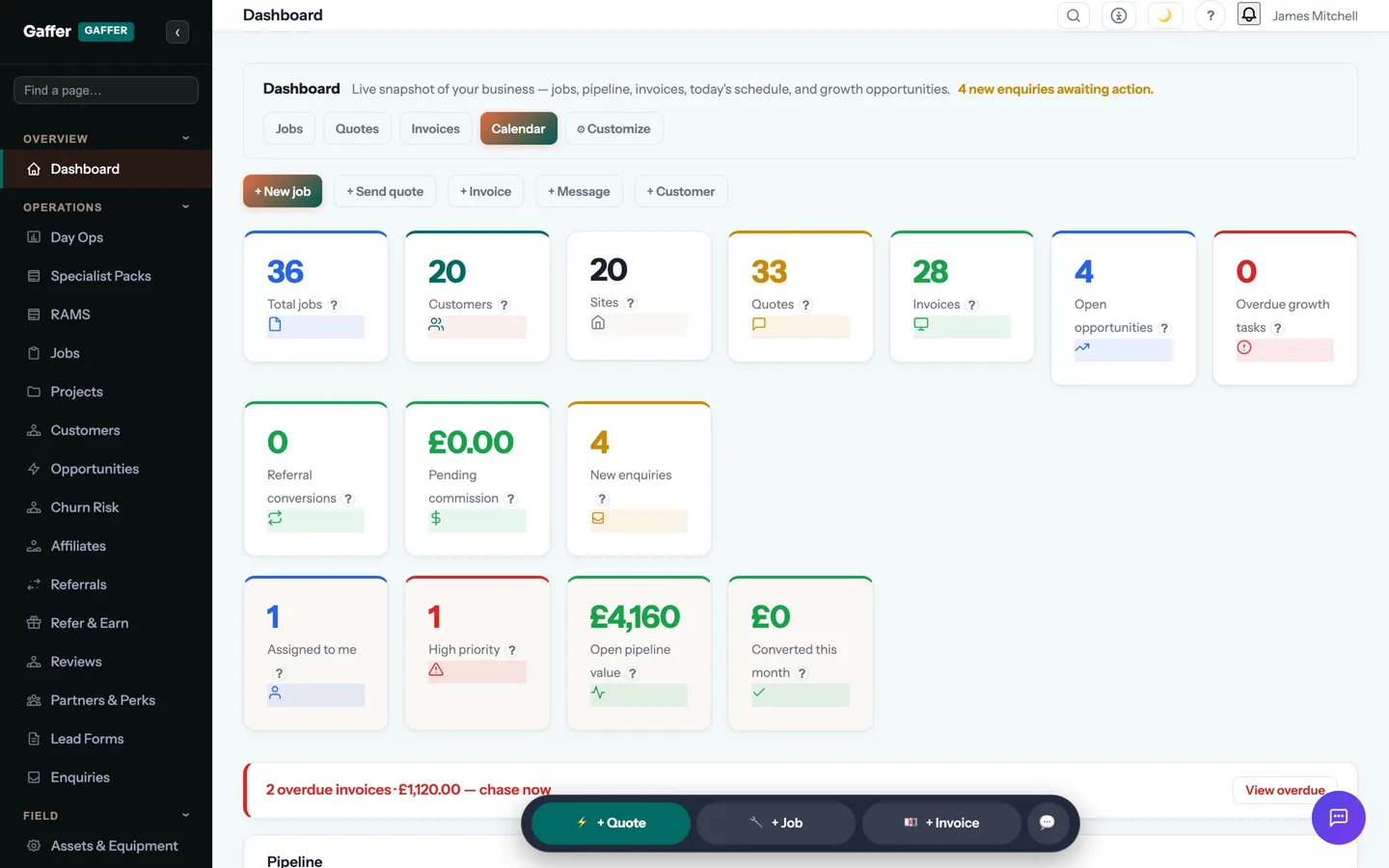
The owner, the engineer, the office and the customer each get the view they need. The same job sits underneath all of them.
The owner
Web app on the laptop, phone in the pocket- 01Opens the dashboard: today's jobs, overdue invoices, new enquiries and the pipeline, on one screen.
- 02Prices two quotes from templates while the kettle boils. Both are accepted online by lunch.
- 03Sees on the live map that Ryan is running late and drags his 2pm to Sophie on the dispatch board. Both customers get a text.
- 04Ends the day with three invoices already paid and the Xero reconciliation done for them.
The engineer
Mobile app in the van- 01Opens the app to today's route. Taps "On my way"; the customer is texted that the engineer is coming.
- 02Clocks in on site, takes before photos, fills in the EICR on the phone and captures the customer's signature.
- 03Adds the parts used from the price book. Marks the job complete. The invoice goes out before the van has moved.
- 04Lost signal in the plant room? Everything was saved on the phone and synced in the car park.
The office
Web app, all day- 01Every enquiry, text and email lands in one inbox against the right customer.
- 02Books jobs into the calendar with conflicts and travel time flagged before they become a problem.
- 03Watches the collections radar: who is overdue, what has been chased, what is promised for Friday.
- 04Runs the month-end profit report per job and per engineer in two clicks, not two days.
The customer
Their phone, no app to install- 01Fills in the booking form at 9pm and gets a reply in seconds.
- 02Receives a branded quote, taps to accept and pays the deposit with Apple Pay.
- 03Gets a text when the engineer is on the way, with an ETA, and another when the job is done — certificate attached.
- 04Pays the balance from the invoice link and leaves a review from the same page. Next year, a reminder books the annual service.
Everything in the system, in one screen.
Fourteen modules, 210 features, one login, one price. Each module links to the detail.
Booking forms, widgets, UTM tracking, opportunities and speed-to-lead auto-replies.
Templates, price book, tiered options, deposits, online acceptance, reminders, one-tap conversion.
Dispatch board, team calendar, route planning, live staff map, time clock, checklists, photos, costing.
913 trade documents across 58 trades, signed on site, PDF to the customer, expiry tracked.
RAMS, permits, toolbox talks, inspections, registers, accident book — 39 features.
Pay Now links, Tap to Pay, Direct Debit, reminders, collections radar, deposits, milestones, retention, CIS.
Two-way SMS, email inbox, VoIP, AI receptionist, portal messaging, daily briefing.
Full record, multiple sites, timeline, tags, notes, portal, churn risk, predictive rebooking, import.
Sequences, reminders, review requests, expiry alerts, AI assistant, receipt OCR, AI RAMS.
Asset register with QR codes, maintenance schedules, stock levels, hire periods, vehicles.
Unlimited users, roles, subcontractor portal, qualifications, training, DBS, holidays, HR records.
Revenue, profit per job, win rate, cash-flow forecast, customer acquisition, custom report builder.
Reviews, referrals, affiliates, campaigns, surveys, tender finder and writer, bid library.
Xero, QuickBooks, Sage, Stripe, GoCardless, Google, Microsoft 365, Twilio, Zapier, FENSA, TrustMark, API.
Up and running in an afternoon, not a quarter.
- 1Create the account
Business details, VAT, bank details, logo. Pick your trades and their certificates, forms and templates are switched on.
- 2Bring the customers over
A CSV from a spreadsheet or from Tradify, simPRO and others, or a direct import from ServiceM8, Workiz, Commusoft and Jobber.
- 3Invite the team
Unlimited users. Engineers install the app and see only their jobs; office staff see the books.
- 4Connect the tools
Stripe for card payments, Xero or QuickBooks for the accounts, Google or Microsoft for the calendar. Ten minutes each.
- 5Send the first quote
From a priced template. When it is accepted online you have seen the whole loop work — on day one.
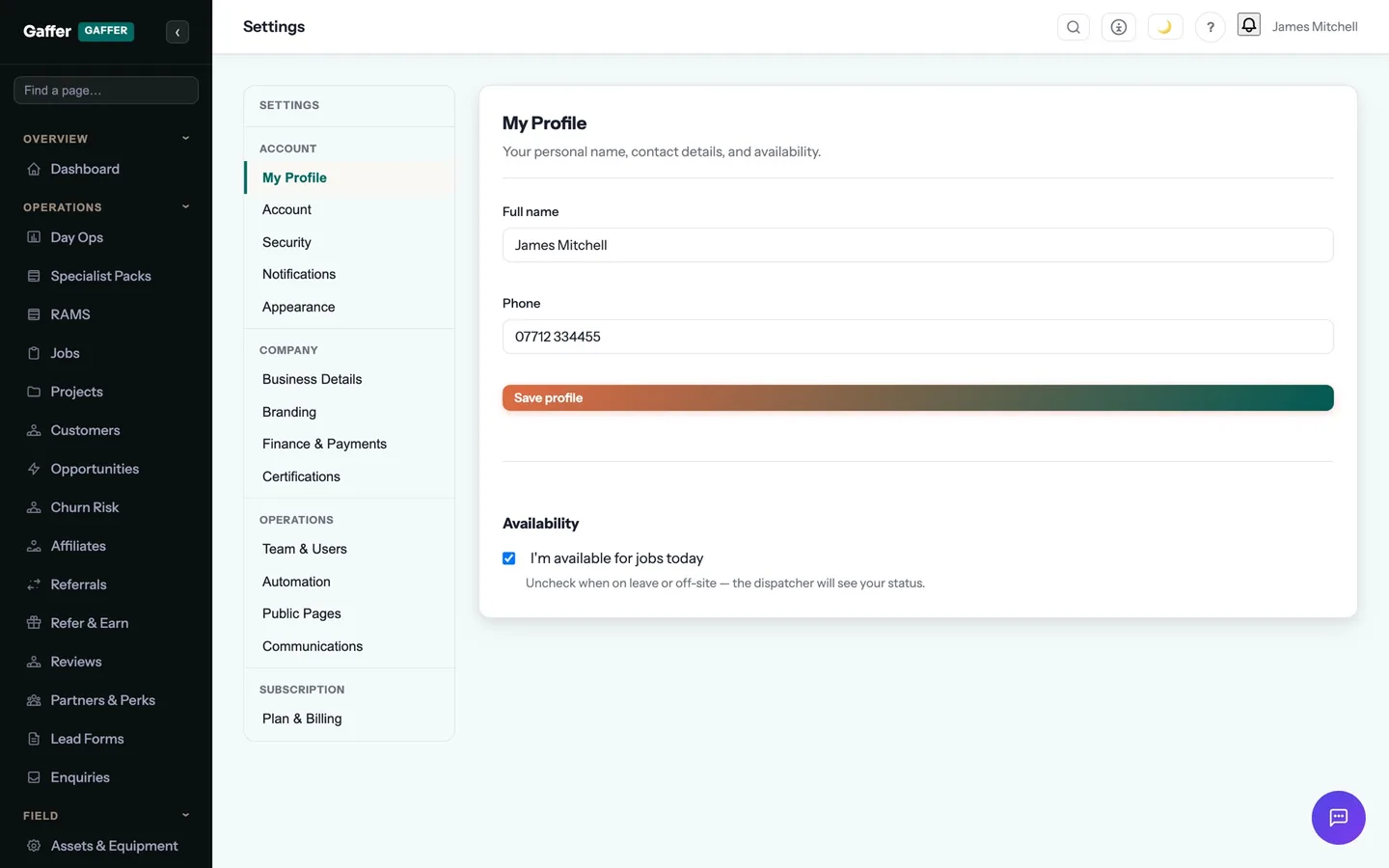
See it on your own jobs.
Start a free 14-day trial, import a few customers and run one real job through it. If the invoice doesn't go out faster than it does today, you've lost an afternoon. If it does, you've found your system.
Founding members: first 100 businesses get 50% off every paid plan, for as long as they stay subscribed.