See exactly what your automations did
Automation you cannot inspect is automation you will eventually turn off. Gaffer shows every action its automations have taken — the reminder that went, the follow-up that fired, the rebooking it raised — so you can trust the ones that work and fix the ones that do not.
Part of automations & ai in Gaffer, which replaces a to-do list of follow-ups nobody gets to.
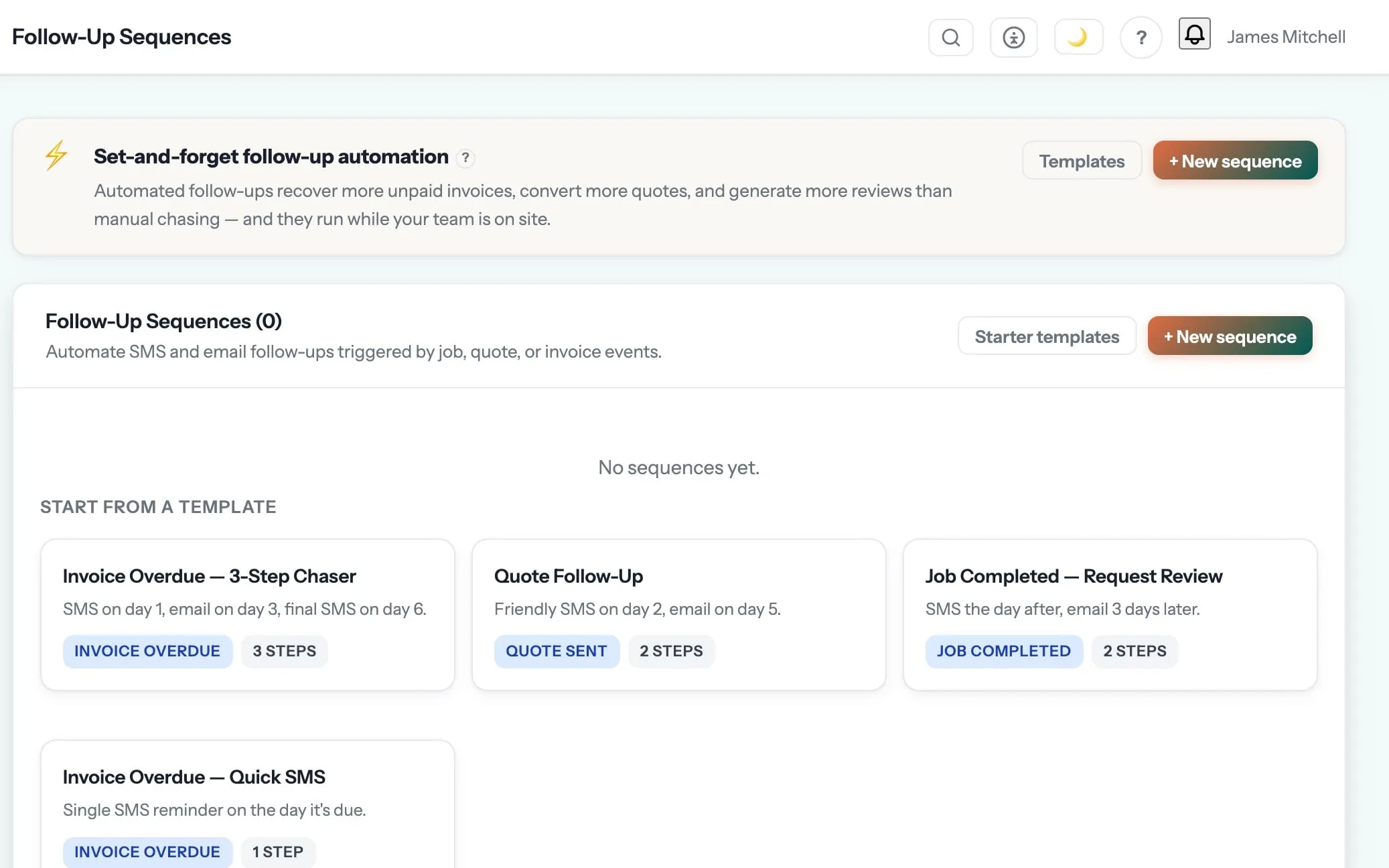
The follow-ups you never get round to, done every time.
Quote chasers, invoice reminders, review requests, service-due rebooking and win-back sequences run on their own. An AI assistant drafts replies, RAMS and quotes from photos.
It is like having an admin who never forgets, for the price of a round of coffees.
Automation activity log is one of the 8 things in automations & ai. See the rest →
- The record the action was taken against
- Which automation or sequence triggered it
- Covers reminders, follow-up sequences and rebooking prompts
- Viewable in the web app and on mobile
- Business-scoped to your own automations
- Works with per-business automation toggles
Step 06 of the job: paid
The customer pays by card or Apple Pay. Xero or QuickBooks are updated. A review request goes out. And eleven months later, the annual service reminder books the next job.
Automations & AI is where automation activity log sits, and that is the step it shows up in most. The rest of the job — quoting, scheduling, certificates, invoicing and payment — runs in the same system, on the same record. See the whole job →
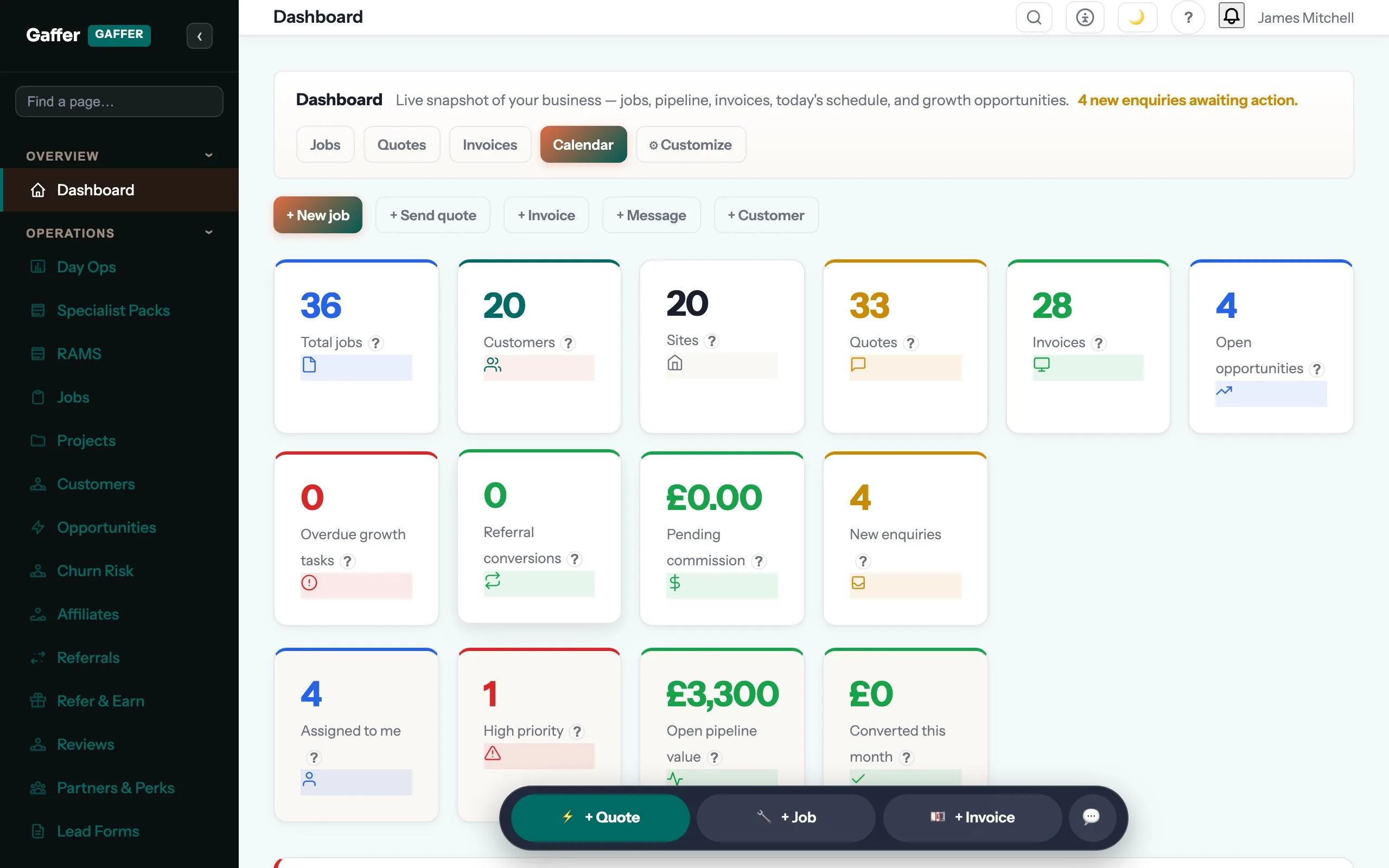
What is automation activity log for?
Automation you cannot inspect is automation you will eventually turn off. Gaffer shows every action its automations have taken — the reminder that went, the follow-up that fired, the rebooking it raised — so you can trust the ones that work and fix the ones that do not. Automation you cannot inspect is automation you will eventually turn off.
Will it send things to my customers without asking me?
Only the sequences you switch on, and you decide which. Everything sent is logged against the customer so you can see exactly what they received and when.
Can I change the wording?
All of it. The templates ship written in plain English so they work on day one, and every one of them is editable — most businesses change a few lines and leave the rest.
Which plan is it on?
Every paid plan. Automation activity log is included for unlimited users at no extra cost — the monthly, annual and lifetime plans differ only in how you pay.
The rest of Automations & AI
All 8 →- Ask questions about your own jobs and money
- Reminders go out before you remember to send them
- Follow-ups that run themselves and stop on a reply
- One stream for everything with an expiry date
- Enrol a quote and let the chasing run itself
- Photograph a receipt and the expense writes itself
- Ask for the review while they are still pleased
Put automation activity log to work.
Full platform, 7 days free, no card needed. Set up in an afternoon, import your customers in a few clicks, and send your first quote today.
Founding members: first 100 businesses get 50% off every paid plan, for as long as they stay subscribed.