The office, in the van.
Signal optional.
Gaffer’s mobile app is not a cut-down viewer. It is the full system, built for a phone held in one hand on a ladder: today’s route, the job, the certificate, the photos, the signature, the invoice and the card payment.
Android now, in testing · iOS to follow · offline-first
Built around the engineer’s day, not the office’s org chart.
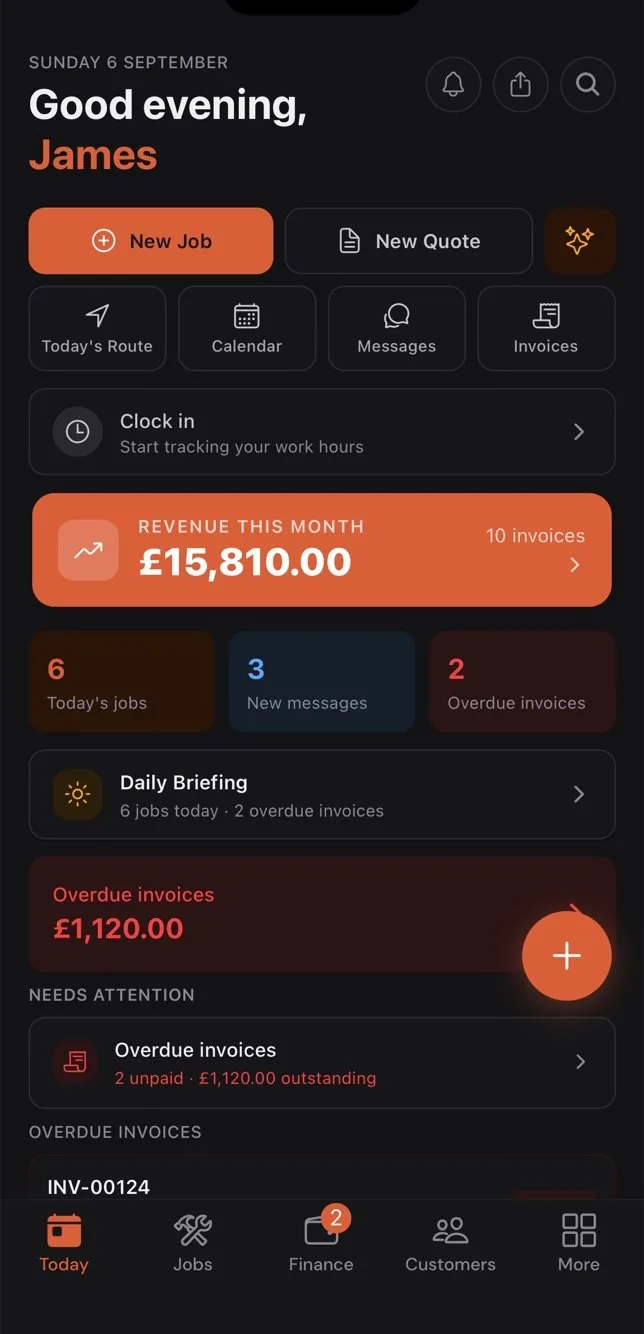
Today
The day at a glance: jobs, route, messages, overdue invoices, clock-in and the daily briefing. Everything an engineer needs before the first brew.
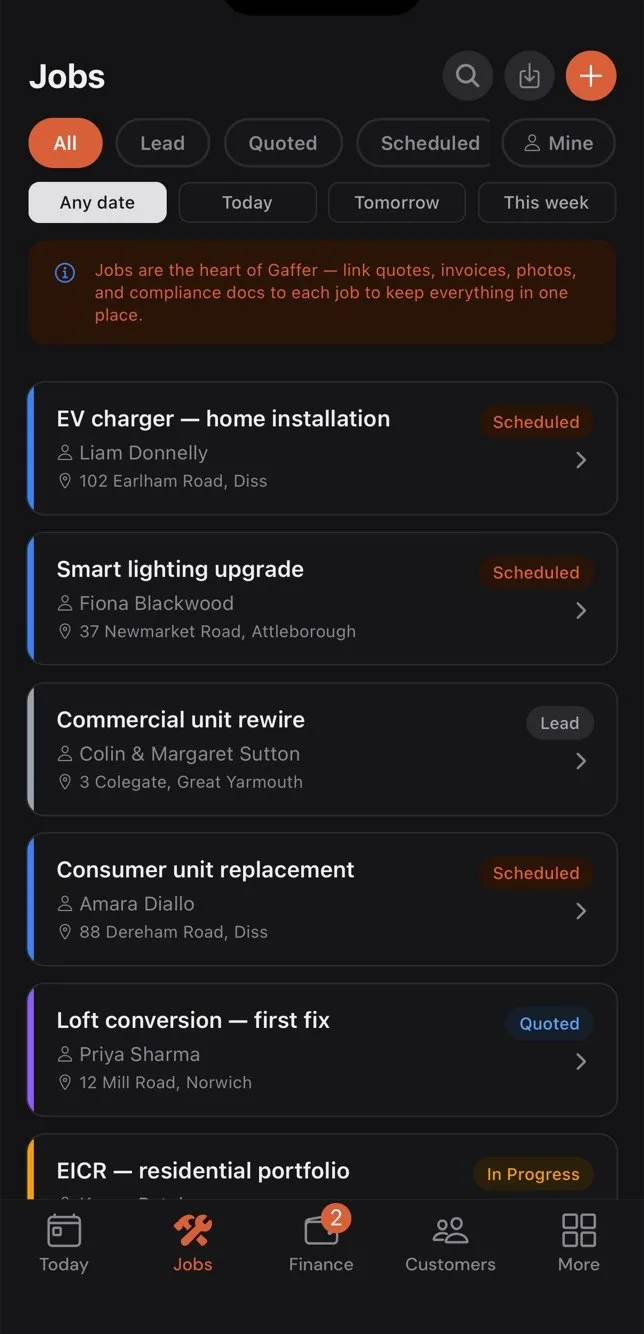
Jobs
Every job with status, customer and address. Filter by today, this week, mine. Tap to open the full record — quote, photos, notes, forms, invoice.
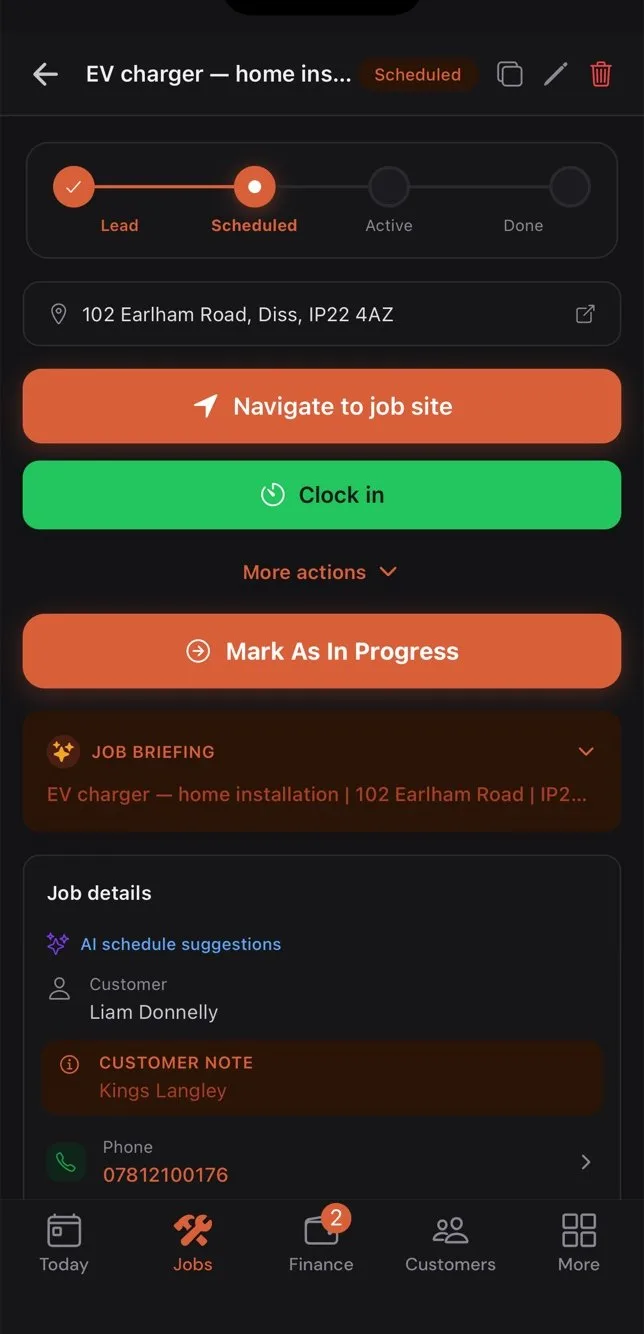
The job
On my way, clock in, tasks checklist, before-during-after photos, voice notes, materials from the price book, the certificate to fill, signature, invoice. All from one screen.
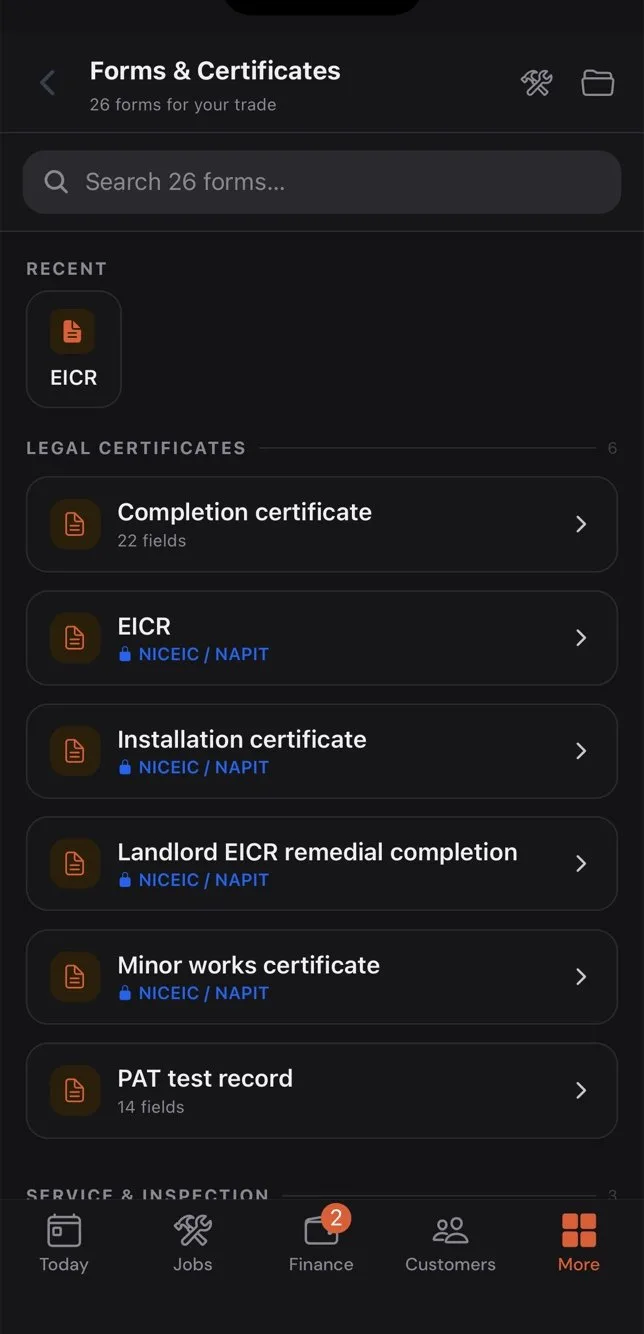
Certificates & forms
913 trade documents with the fields the regulations expect. Signed on the device, PDF to the customer, filed against the job with the expiry date tracked.
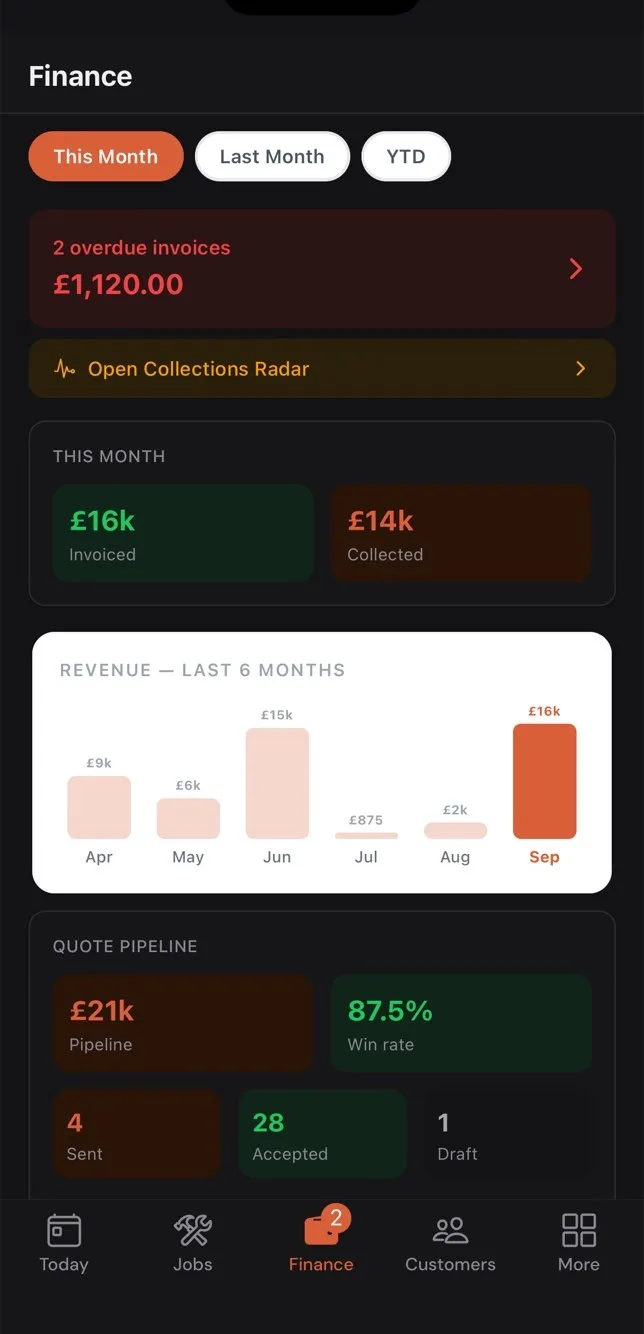
Finance
Quotes and invoices from the van. Send, chase, mark paid, take a card payment, or use Tap to Pay on the phone itself.
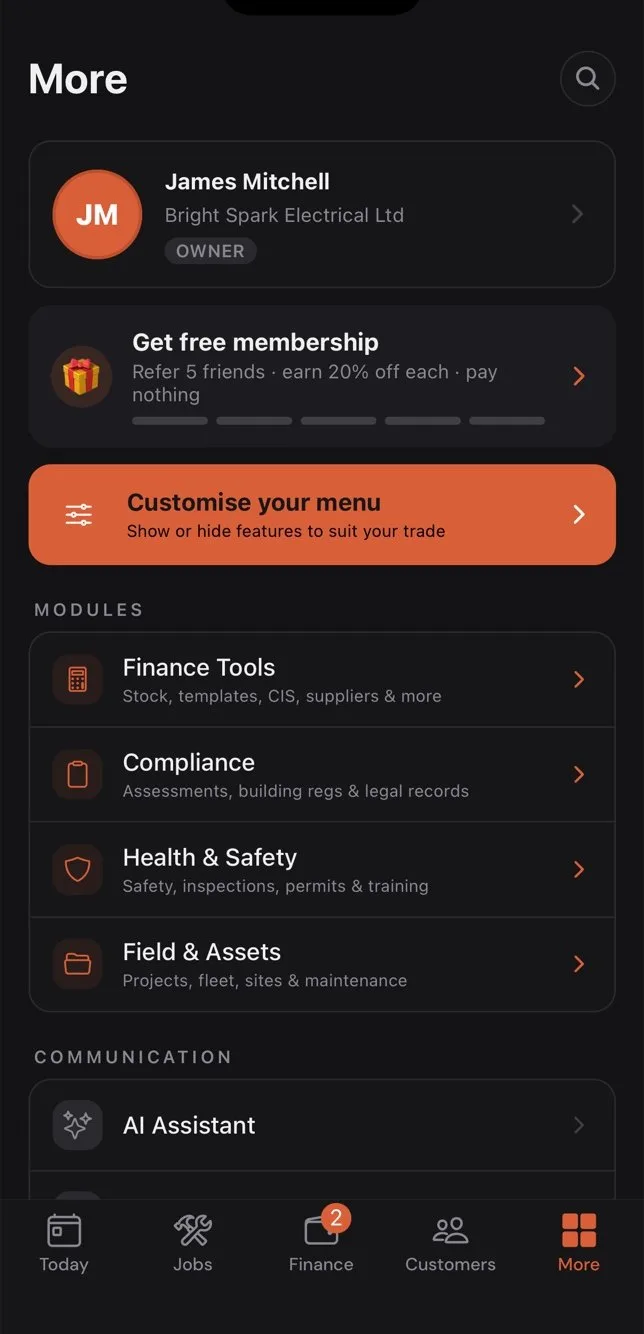
Everything else
The office features are all here too — calendar, dispatch, route plan, staff map, time clock, assets, stock, RAMS, certificates, leads and email campaigns. Hide the ones your trade does not use.
Lofts, plant rooms, basements, rural sites. It keeps working.
Plenty of job apps handle a weak signal well and some do not, so test yours in a basement before you commit to it. Gaffer stores the work on the phone and syncs it later — deliberately, in order, without losing anything.
- Jobs, customers and today’s appointments
- cached on the device for reading
- Forms, photos, signatures, notes and clock-ins
- written to a local queue
- Strict-order sync
- the queue flushes in order when signal returns, so a job is never invoiced before it is completed
- Nothing queued is dropped
- the queue holds until it is accepted by the server, and stops rather than skipping a failed write
- 08:10Opens the app in the van. Today’s jobs load from the device cache.
- 08:45Taps “On my way” at the first job. The text is queued; it sends the moment the phone finds signal — with the ETA.
- 09:30Plant room, no bars. Fills in the Gas Safety record, photos, signature. All saved locally.
- 11:05Back in the car park. The queue flushes in order: clock-in, photos, certificate, job complete, invoice sent.
- 11:06The customer’s phone buzzes with the invoice and a Pay Now link. The office sees the job turn green.
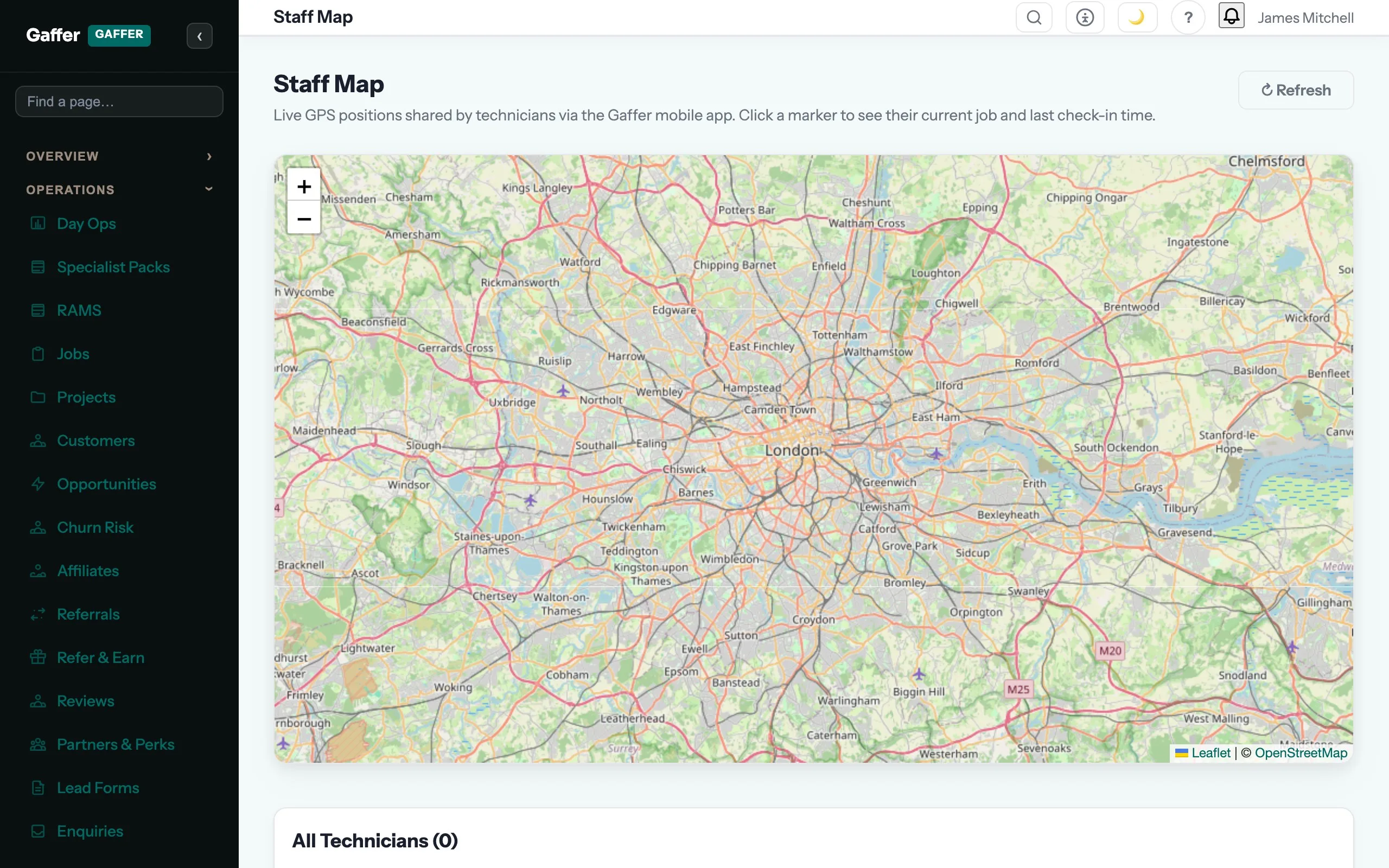
Every tap in the van shows up on the board in the office.
Clock-ins, en-route, arrived, complete — the dispatch board, the live map and the customer’s texts all update from the same event. Nobody has to ring anybody to ask “where are you?”
- Live staff map with GPS location while on shift
- Dispatch board reflects status changes within seconds
- Customer receives on-my-way, arrived and completed messages automatically
- Clock-ins and job times recorded against the job, ready for payroll
Fast enough for the van, locked down enough for the accountant.
Android is in closed testing. iPhone uses the web app.
Being straight about this, because it is the one thing on this site you cannot check for yourself: the Android app is not on the public Play Store yet. It is in closed testing, and we add trial accounts to the tester list by hand — email us and you are on it the same day.
On iPhone the whole system runs in Safari today, including photos, signatures and certificates. It is a good web app and it is not a native one; the native version is next, and until it ships we would rather you knew. If your crew are all on iPhones and you want a native app now, read who this is not for before you buy.
Start on the web, put it on the phones next.
Unlimited users are included, so the whole crew costs the same as one. Invite them from Settings; on Android they join the test build and sign in with a fingerprint, on iPhone they use the web app, and either way they see only their own jobs.
Founding members: first 100 businesses get 50% off every paid plan, for as long as they stay subscribed.