Write the message once, merge in the details
SMS and email templates per trade.
Part of communications & voice in Gaffer, which replaces personal WhatsApp, a mobile number and a lot of interruptions.
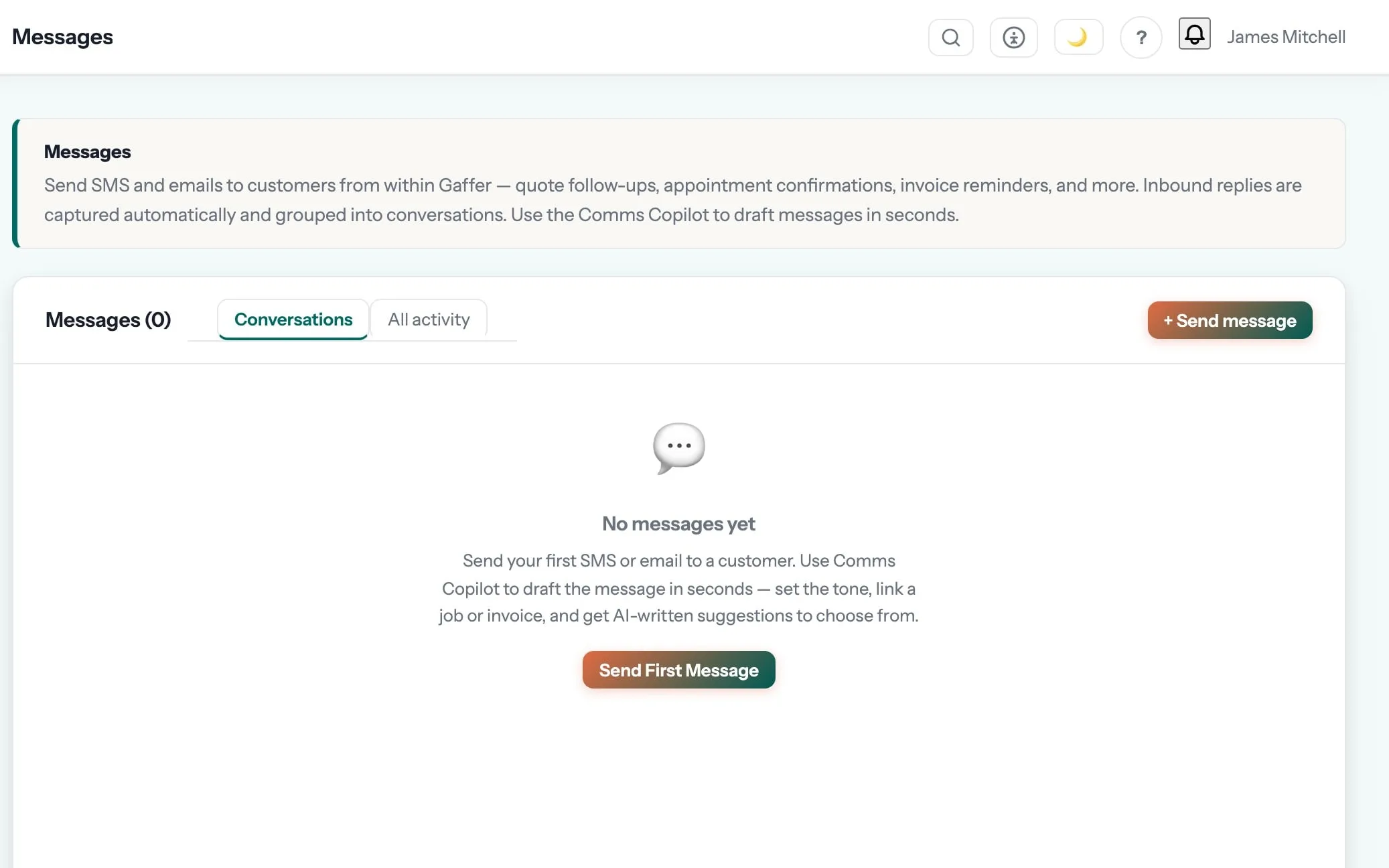
Customers kept informed without anyone pressing send.
Email and portal messages in one inbox, reusable templates, and automatic updates at every job milestone.
The “what time are you coming?” calls stop, because the customer already knows.
Message templates are one of the 9 things in communications & voice. See the rest →
- The messages you send constantly, written once and merged with the job and customer details
- Separate templates per channel, so a text is short and an email can be fuller
- 289 templates ship with the product, and you can rewrite any of them in your own words
- Used by automations as well as by hand, so the tone stays consistent
Step 04 of the job: on site
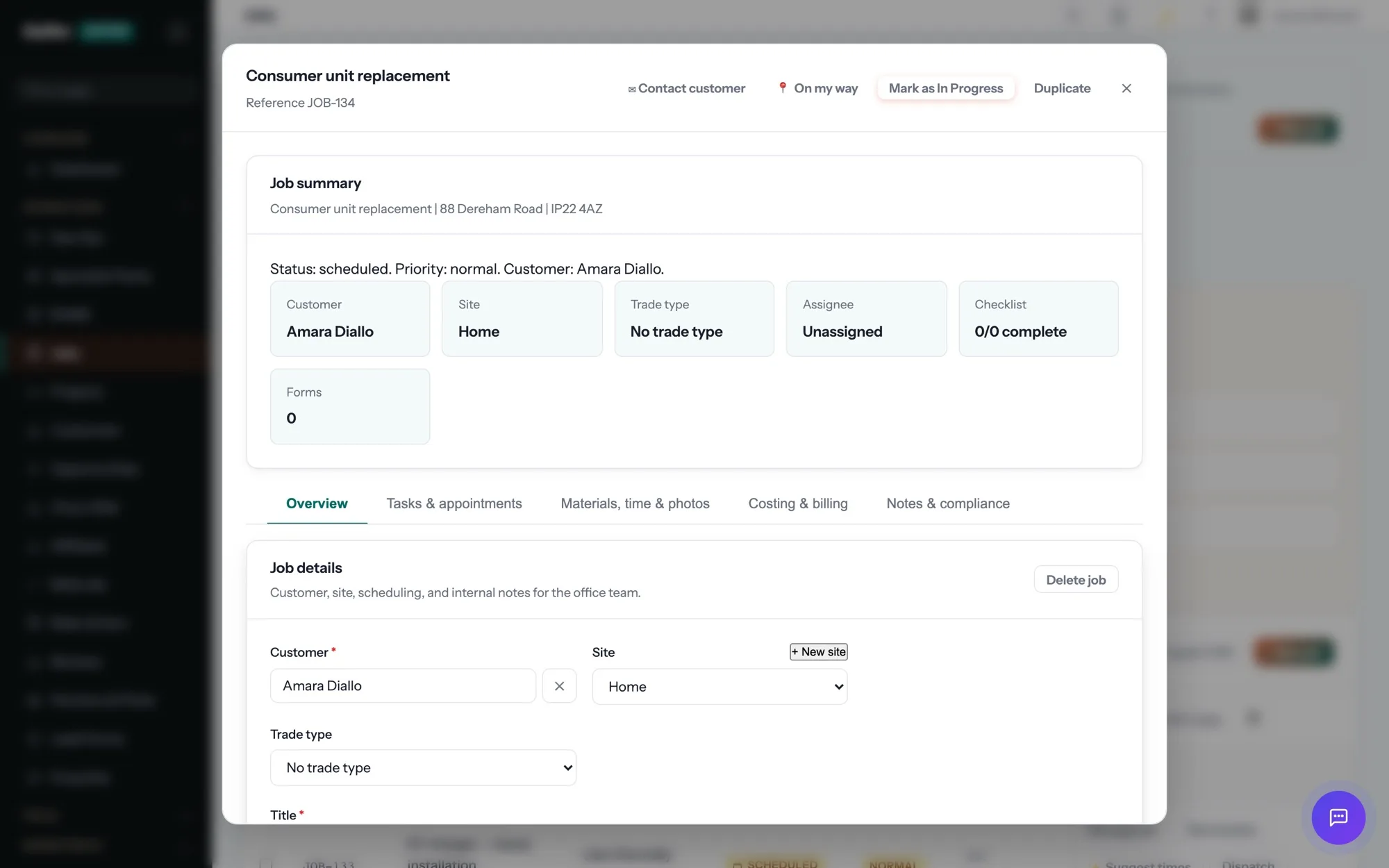
The engineer taps “On my way” and the customer gets a text with an arrival window. On site: clock in, photos, the certificate for the job — EICR, Gas Safety, whatever the trade needs — signed on the device. No signal? It syncs later.
Communications & Voice is where message templates sits, and that is the step it shows up in most. The rest of the job — quoting, scheduling, certificates, invoicing and payment — runs in the same system, on the same record. See the whole job →
What are message templates for?
The messages you send constantly, written once and merged with the job and customer details Separate templates per channel, so a text is short and an email can be fuller
Do messages come from my own address?
Email is sent and received through your own mailbox, so customers recognise the sender and replies stay against the customer record.
Is there a limit on how much I can send?
The paid-plan email allowance covers normal trade volumes, and the settings screen shows the current limit before it matters.
Which plan is it on?
Every paid plan. Message templates is included for unlimited users at no extra cost — the monthly, annual and lifetime plans differ only in how you pay.
The rest of Communications & Voice
All 9 →- Get a draft email reply you can edit
- Start the day knowing what is overdue
- Send and receive customer email without leaving Gaffer
- Know whether that quiet quote was ever opened
- Customers message you without a password or an app
- Alerts on the phone, with quiet hours respected
- Speak the note in the van, get a job
- Read the voicemail instead of listening to it
Put message templates to work.
Full platform, 7 days free, no card needed. Set up in an afternoon, import your customers in a few clicks, and send your first quote today.
Founding members: first 100 businesses get 50% off every paid plan, for as long as they stay subscribed.