Group jobs into a project and see the whole contract
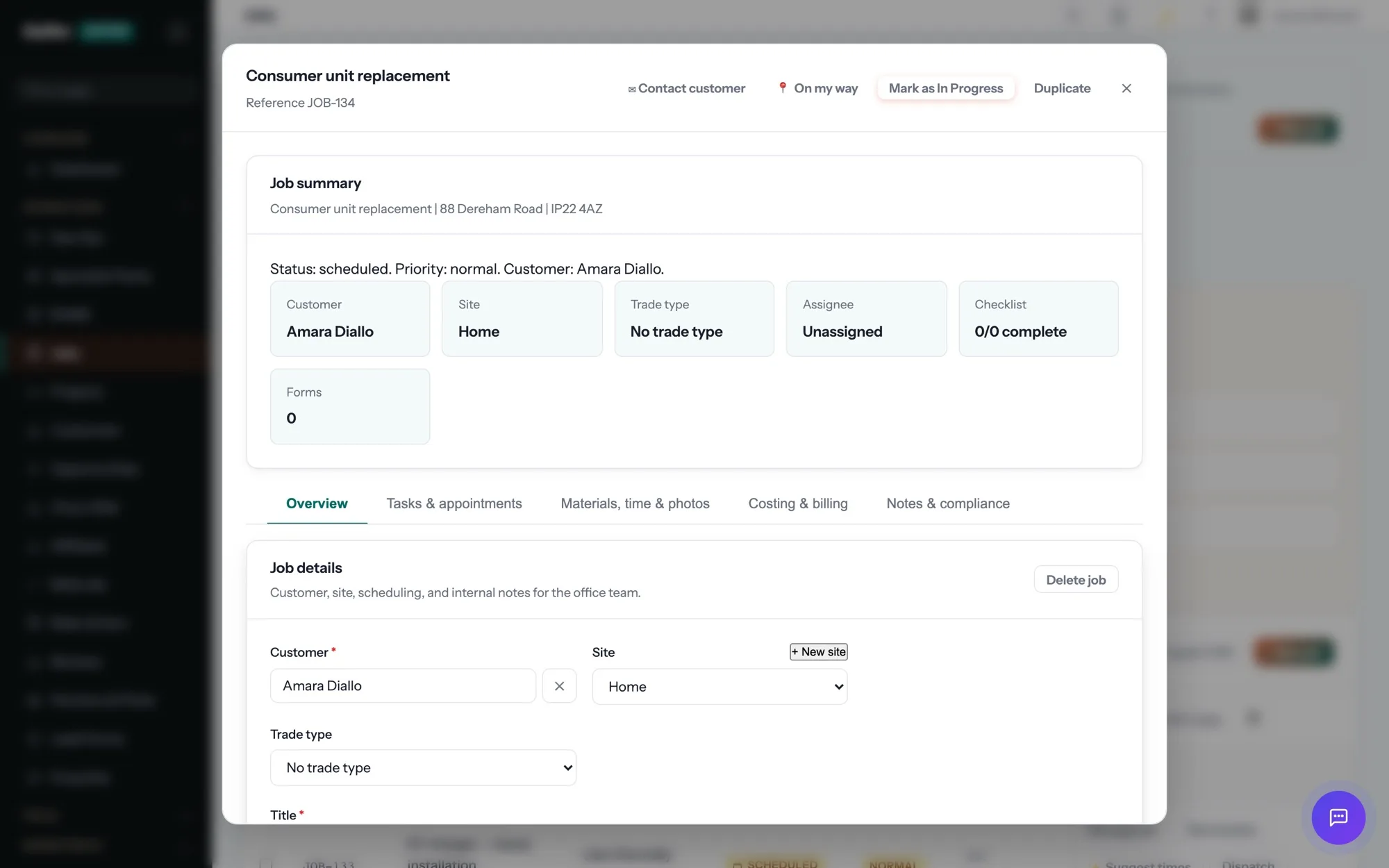
Some work is not one job. A refurbishment, a new build or a multi-phase install is a dozen jobs, several invoices and a contract value that nobody can see in a job list. Gaffer’s projects group all of it under one reference, with a contract value, a site and a start and end date.
Part of jobs & scheduling in Gaffer, which replaces a paper diary, a whiteboard and a WhatsApp group.
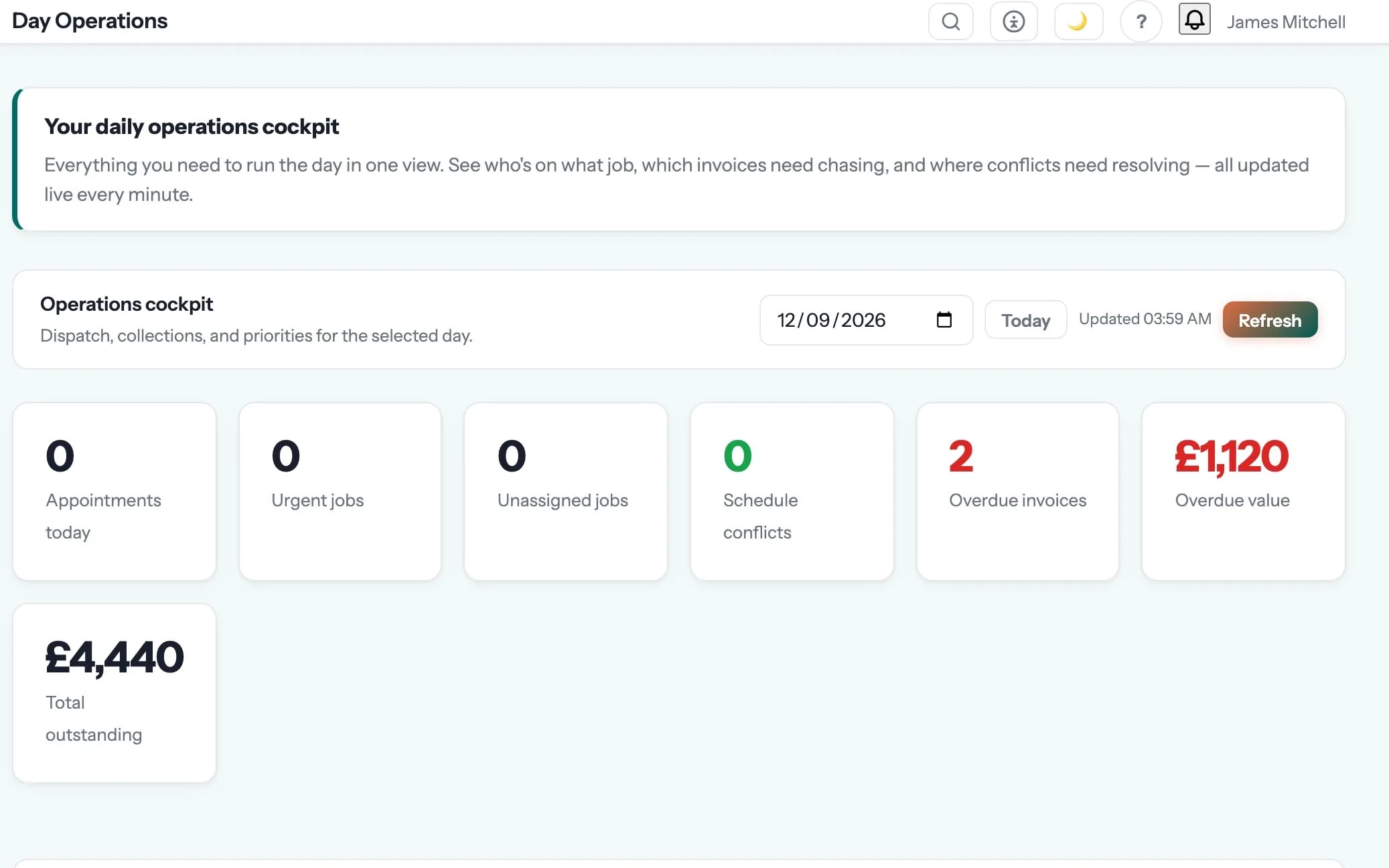
Every job, every engineer, every day — on one board.
Create a job in seconds, drag it onto the right engineer, and watch it move from booked to on-site to done. The office sees everything; the van sees only what matters.
Owners stop being the human dispatch board. Engineers stop ringing in for the next address.
Projects are one of the 18 things in jobs & scheduling. See the rest →
- Contract value recorded against the project
- Site and full address, or a standalone project address
- Status tracked across the life of the contract
- Jobs grouped under the project rather than scattered across the list
- Works with milestone billing, variation orders and retention
Step 04 of the job: on site
The engineer taps “On my way” and the customer gets a text with an arrival window. On site: clock in, photos, the certificate for the job — EICR, Gas Safety, whatever the trade needs — signed on the device. No signal? It syncs later.
Jobs & Scheduling is where projects sits, and that is the step it shows up in most. The rest of the job — quoting, scheduling, certificates, invoicing and payment — runs in the same system, on the same record. See the whole job →
What are projects for?
Some work is not one job. A refurbishment, a new build or a multi-phase install is a dozen jobs, several invoices and a contract value that nobody can see in a job list. Gaffer’s projects group all of it under one reference, with a contract value, a site and a start and end date. Some work is not one job.
Can two engineers work the same job?
Yes. A job can carry more than one appointment and more than one person, each with their own times, and each sees it in their own list. Time is recorded per person, so a two-day job with a mate on it still costs correctly.
What happens when a job overruns?
You drag it, and everyone affected is told. The board shows the clash before you confirm it, the engineer’s app updates, and the customer whose slot moved gets a message rather than a doorstep surprise.
Which plan is it on?
Every paid plan. Projects is included for unlimited users at no extra cost — the monthly, annual and lifetime plans differ only in how you pay.
The rest of Jobs & Scheduling
All 18 →- Assign jobs in seconds with a drag-and-drop board
- Fill your diary automatically with AI scheduling
- See the real profit on every job, not just the invoice total
- Make sure every job is done right with checklists
- Prove every job with before, during, after photos
- See where your whole team is, on one map
- Book your repeat jobs in seconds with reusable templates
- Set up repeat visits once — never re-book again
- Snagging lists that get assigned, resolved and verified
- Spend less time driving and more time on the tools
Put projects to work.
Full platform, 7 days free, no card needed. Set up in an afternoon, import your customers in a few clicks, and send your first quote today.
Founding members: first 100 businesses get 50% off every paid plan, for as long as they stay subscribed.